Watch
Review your footage with fast playback controls, frame stepping, and timeline jumps.

Mark precise In and Out points while you watch, organize clips with color, then export the moments that matter — or continue in Adobe Premiere Pro through XML.
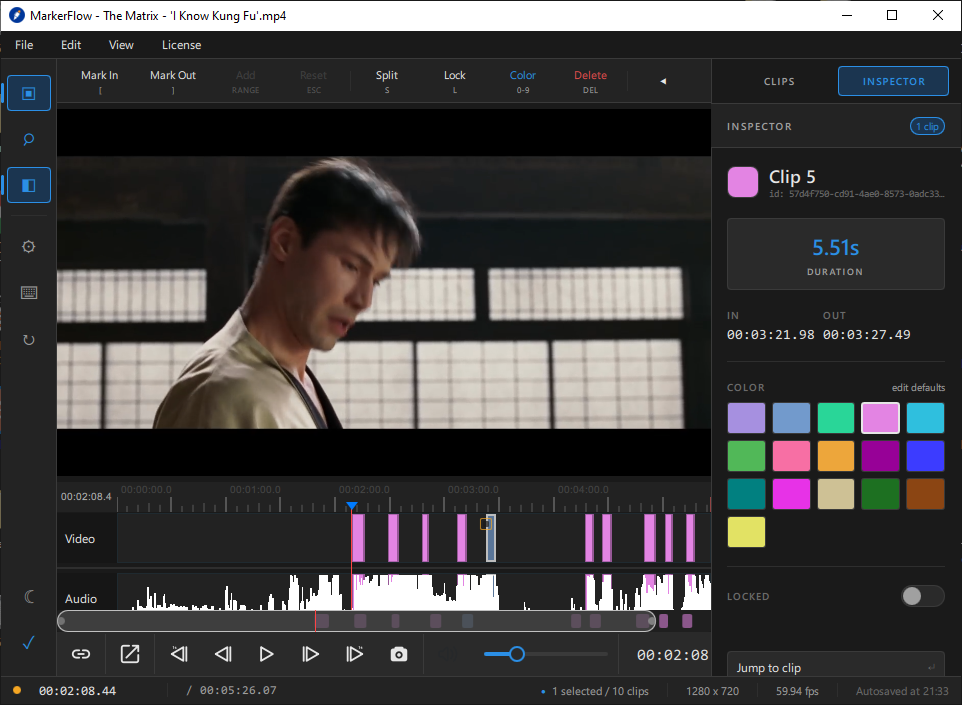
Designed around the review pass
MarkerFlow is built for the part of editing where you are deciding what matters. Instead of juggling notes, timestamps, and repeated scrubbing, you leave the review with a visual map of usable moments.
That means fewer distractions before the real edit begins — and a cleaner handoff when you are ready to move into your finishing workflow.
A simple four-step flow
Everything on screen supports the same job: finding good moments quickly and preserving your decisions clearly.
Review your footage with fast playback controls, frame stepping, and timeline jumps.
Set In and Out points as the moment happens. The selected range becomes a clip on the timeline.
Color-code, split, merge, lock, inspect, and select related clips without losing context.
Create clip files through FFmpeg or carry your marked decisions into Premiere using XML.
Everything you need to make selects
Marked ranges stay attached to the source and sit alongside the waveform, giving you an immediate visual map of what you chose and where it lives.
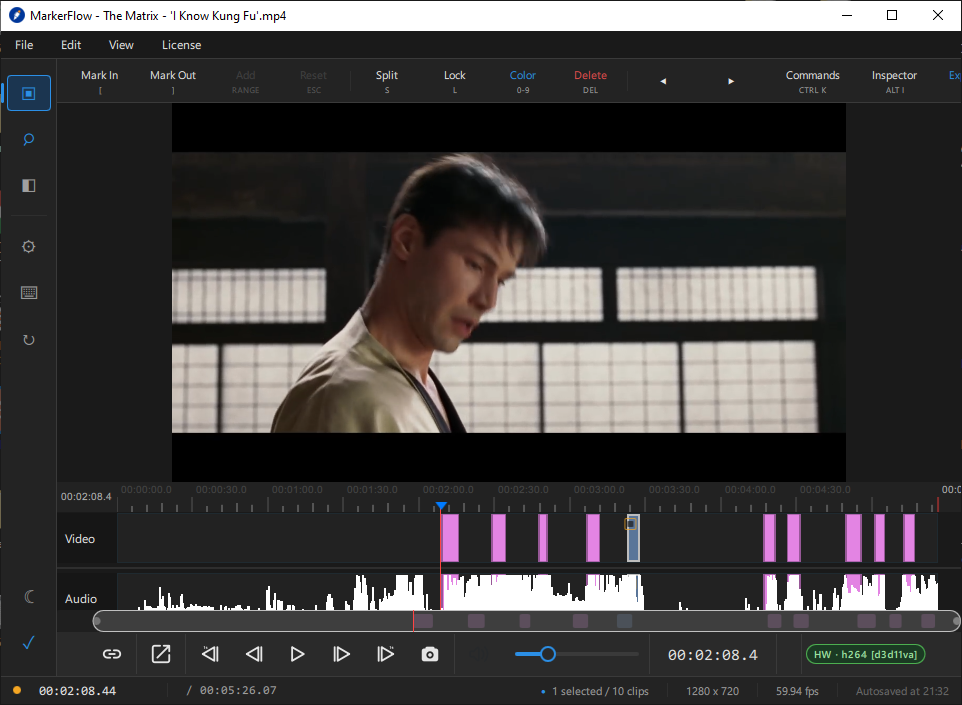
Review clip name, ID, duration, exact In/Out timecodes, color, lock state, and jump straight back to the selected range.
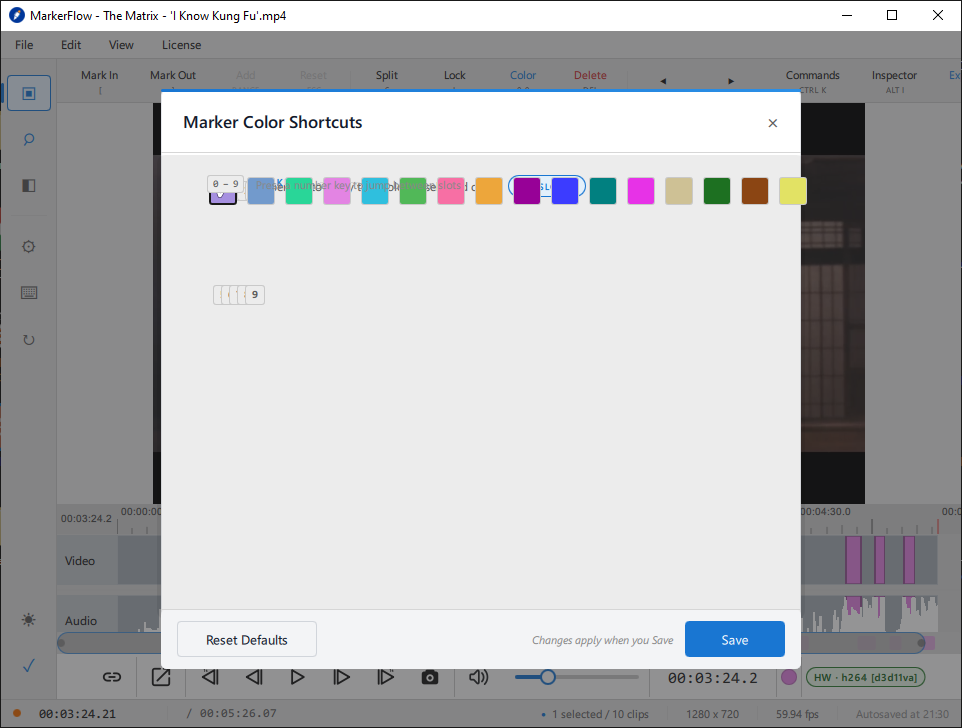
Separate selects, reactions, fixes, scenes, B-roll, or any other category your review process needs.
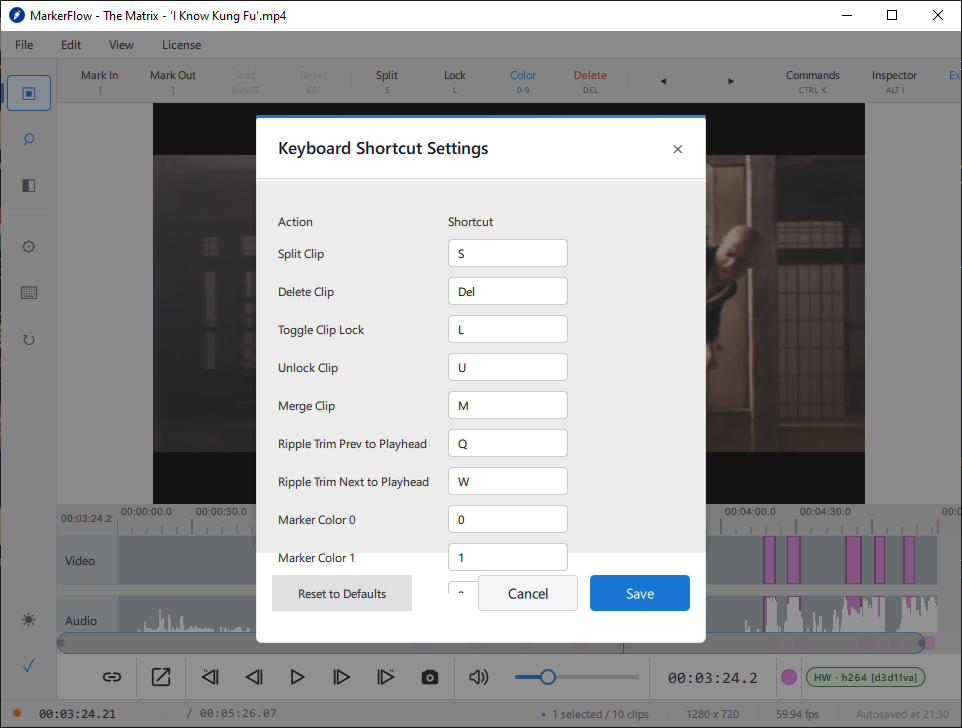
Use direct shortcuts for marking, navigation, splitting, merging, locking, coloring, and more — with shortcut settings available in the app.
Create separate clips using FFmpeg, or export XML when the next stop is Adobe Premiere Pro.
See the export workflow →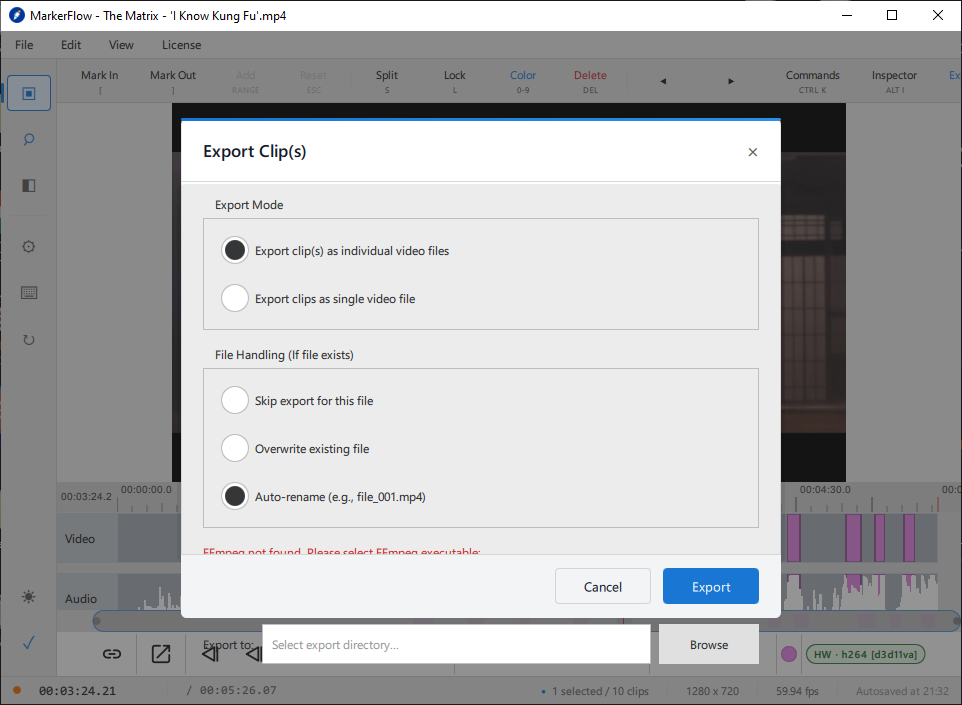
Quiet software for focused work
MarkerFlow keeps the important review tools close without turning the screen into a full editing suite. You get enough control to make confident selections, while keeping your attention on the footage itself.
Scan your marked ranges, durations, and timecodes at a glance.
Select groups of clips by shared characteristics for faster organization.
Keep your review session protected while you work.
Reach actions quickly without digging through menus.
Choose the viewing environment that works best for your session.
Save your markers and clip positions so you can return to the review later.
Desktop + Android
Use the desktop app for timeline-based marking, clip organization, export, and Premiere XML handoff.
Get the Windows app Download file can be added to this path later.
Install the official Android app directly from Google Play.
Open Google Play ↗Helpful links
The main resources and policy pages now share the same MarkerFlow design language instead of looking like separate plain documents.
Learn the core MarkerFlow workflow, controls, project saving, XML, and clip export.
Review how MarkerFlow handles information, usage data, security, and your choices.
See the current cancellation, refund request, billing, and technical issue terms.
Read the terms that govern access to MarkerFlow software, website, and services.
Frequently asked questions
Here are the essentials. The full workflow is available in the How to Use page.
Open How to Use →MarkerFlow is a focused video review and clip-marking tool. You watch footage, set precise In and Out points, organize the resulting clips, then export the media or move the decisions into the next stage of editing.
Move the playhead to the start of the moment and use Mark In, then move to the end and use Mark Out. By default, the bracket keys [ and ] are used for those actions.
Yes. MarkerFlow supports XML export for workflows that continue in Adobe Premiere Pro, allowing your marked decisions to move with you.
Yes. Clip export uses FFmpeg. FFmpeg needs to be installed separately, and MarkerFlow can use it once it is detected or configured in the app.
Yes. MarkerFlow includes ten marker colors for organizing clips, and the app provides shortcut settings so common review actions can match your workflow.
Yes. MarkerFlow can save a project containing your markers and clip positions, allowing you to continue the review later as long as your source media remains available.
Yes. The official MarkerFlow Android app is available through Google Play using the link on this page.
Make the review pass count
Start with MarkerFlow on Windows, or open the Android app on Google Play.